Secrets
Secrets are used to securely store tokens and passwords.
info
Once secrets are saved, they never appear in the UI. You can update an existing secret with a new value, but PerForge will never send the secret back to the UI.
How to add
- First, open the "Secrets" tab.
- Then click on "Add secret".
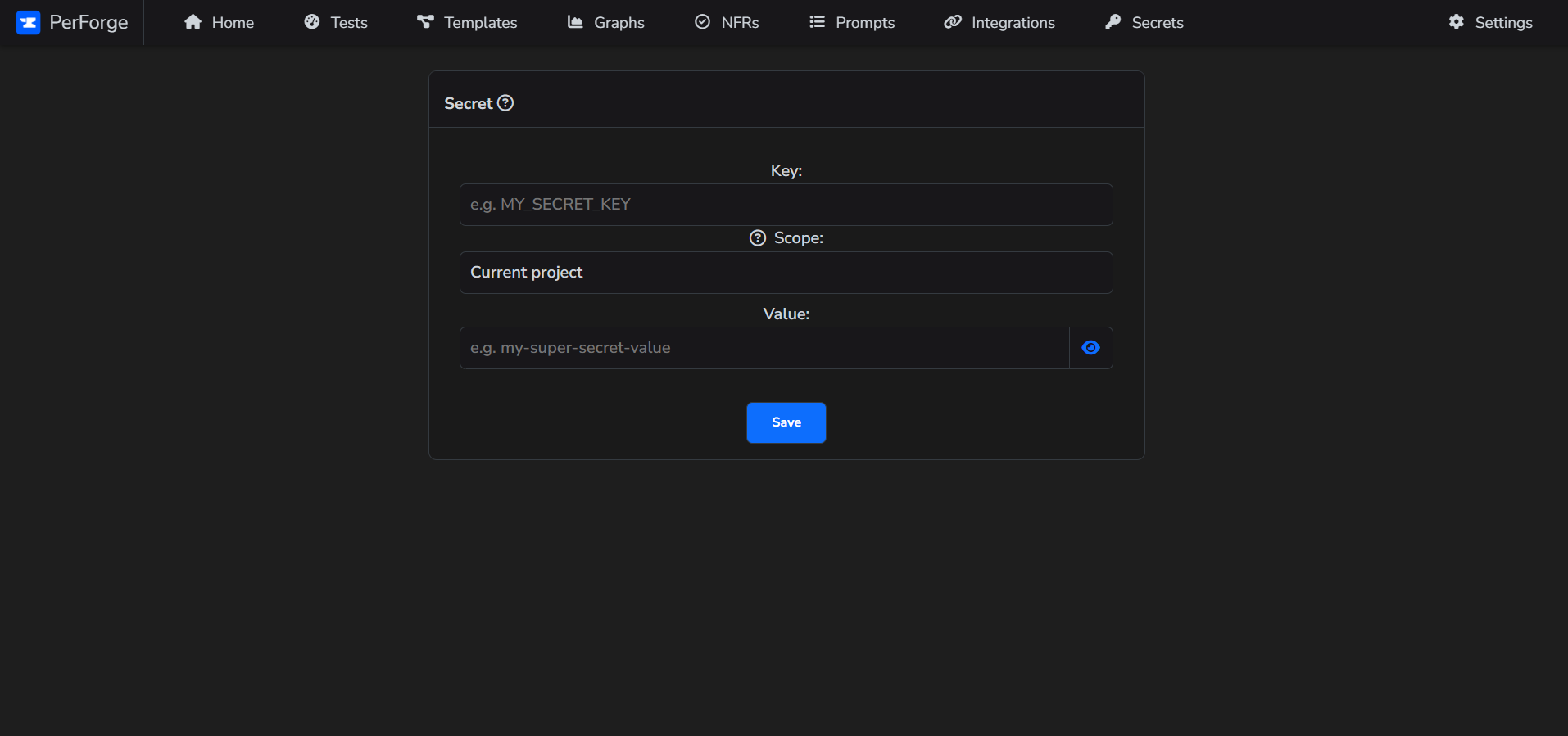
- Fill in all necessary fields. You can choose to set the scope for the current project or for all projects. If you select the latter, the secret will be accessible in every project.
- Click "Save" button.