User registration
In our system, you can create general users who have the ability to perform most tasks, with a few important restrictions.
General users cannot:
- Create new users.
- Modify or delete admins secrets.
How to add user
- Open the registration page either by navigating to the 'Settings' tab, selecting 'Add User' from the dropdown menu, or using the following URL:
http://your_ip:7878/register
info
Only an administrator can add a new user.
- Fill in all the required fields and click 'Register.'
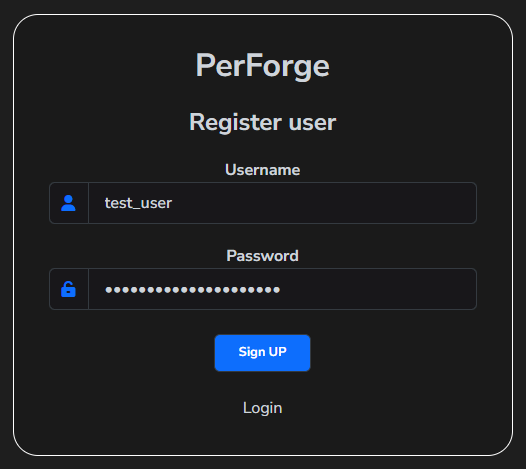
Upon successful registration, the user credentials will be securely stored in the internal database. The newly created user will be a general user and will not have administrative privileges.